← Technology
Technology

Transform AI Footage

AI clips look finished on a laptop screen. In a finishing bay they arrive as the wrong problem: display-referred files, thin tags, mixed generators, and geometry that is not house-ready. Transduce starts by fixing that — then you finish.

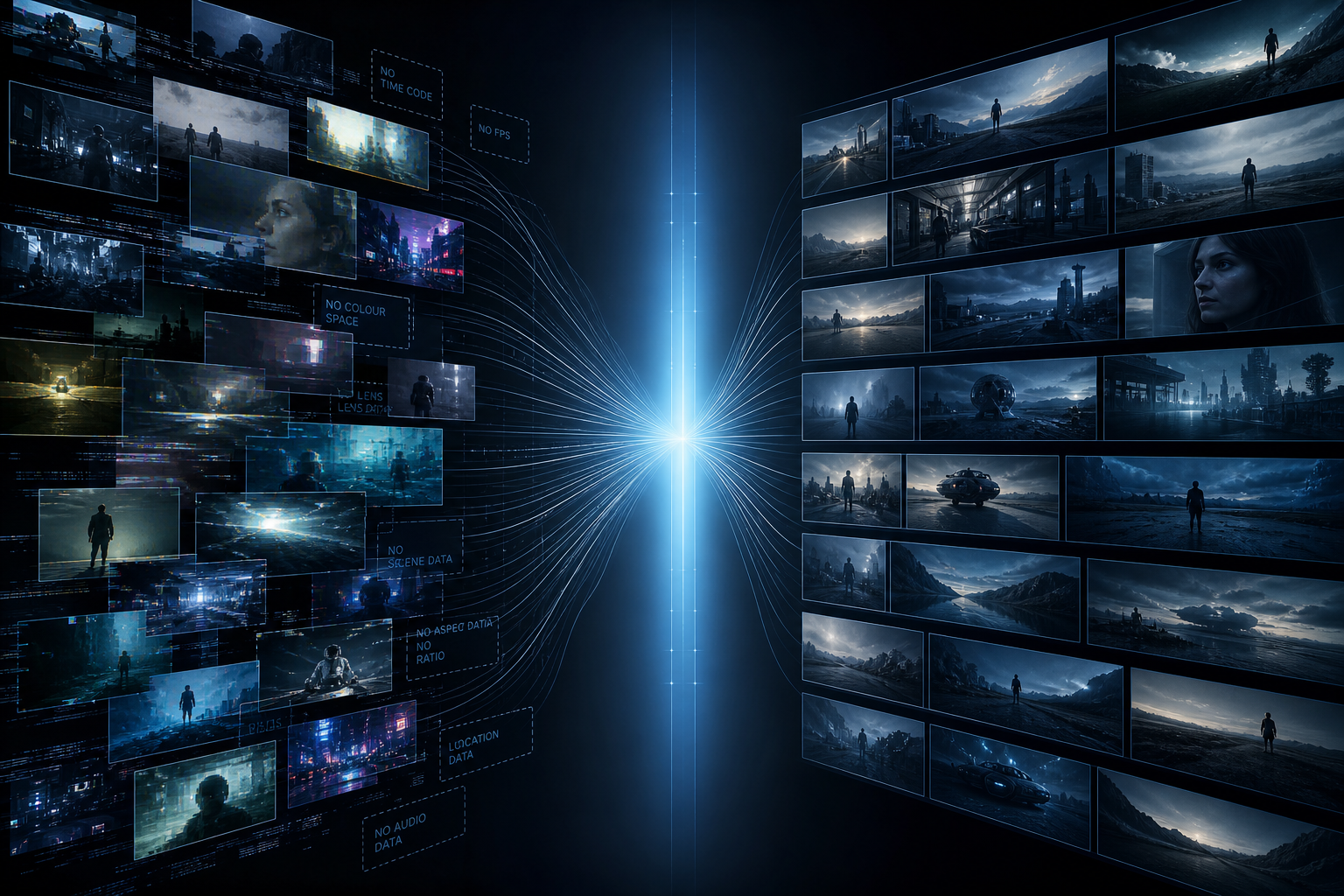
Concept: fragmented AI footage challenges resolving into a unified colour-managed pipeline
The job is not “make it prettier.” It is make AI media finishable.

Generators optimise for a shareable movie file. Finishing tools assume camera originals, trustworthy headers, and a colour language you can push. When those assumptions fail, grades fight, matches drift, and night renders hand off something a post house rejects.

Transform is Transduce’s answer to that gap: treat every AI (and phone) plate as media that must be understood, linearized, and unified before creative tools get to work.

The real challenges

Not theoretical colour science — the practical damage you see when AI media hits post.

Challenge
Looks right. Behaves wrong. Most AI exports are display-referred SDR. They look finished because they are already shaped for a screen — not because they are scene-linear light you can grade honestly.
Challenge
Tags lie — or vanish. Colour space and transfer are often missing, defaulted, or contradicted by the pixels. Silent wrong assumes poison the whole batch.
Challenge
Every generator is its own dialect. Run one night of Kling, one night of Runway, one night of phone pickup — sibling shots don’t share a colour world until you force one.
Challenge
Resolution is a delivery problem. 720p mush next to 1080 next to odd verticals. Upscale or conform in the wrong space and you invent texture, not detail.

How Transduce addresses them

Correct maths first. Creative finishing second. Never the other way around.

Address
See the source honestly On ingest, Transduce reads colour information from the container when it exists. When it doesn’t, it defaults conservatively (typically sRGB 8-bit) and keeps that choice visible — so nothing is silently mis-transformed.
Address
Linearize into one working space Every frame is linearized and moved into ACEScg — scene-linear, AP1 / D60 — before colour matching, grading, effects, or AI resize. Light behaves like light again.
Address
Unify the batch Different generators stop fighting once they share a working space. Sibling shots can be matched, layered, and scoped without comparing through mismatched display gamma.
Address
Resize where maths is honest Production geometry — FAST kernels or AI RESIZE — runs on the graded working image, not on a gamma soup. House targets stay bit-accurate.

The path

One spine. Everything creative hangs off it.

Ingest path
Ingest → Read / default source colour → Linearize → ACEScg working space → Grade · match · mask · effects → Resize → Deliver

Platform hints from filenames are a convenience signal when present. Lineage fields you care about for the handoff — AI Source metadata — you author. The non-negotiable step is the middle: correct working space before finish work.

What this does not pretend

Claim we don’t make What we do instead
Invent camera DR the generator never had Protect a controlled finishing pipeline so grades and deliveries stay trustworthy
Silently “fix” lying colour tags Surface defaults and confidence — you can override; nothing hides
Auto-certify house compliance Analyze a trusted reference, carry a reusable delivery profile, warn on mismatch

Go deeper

The systems that sit on this foundation.

ChallengeDisplay files in a finishing world.
TruthVisible source colour — never silent.
Working spaceACEScg before creative tools.
FinishMatch, grade, resize, deliver.

Stop finishing gamma soup.

Start where AI footage becomes post media — then build the look on purpose.

Download for macOS (Apple Silicon) Available for macOS on Apple Silicon only. Windows & Linux coming soon.